PHP Security Vulnerabilities: Risks and How to Protect Your Application
Introduction
PHP powers a large number of websites, web applications, APIs, and business platforms. Because PHP applications often process sensitive information, maintaining a secure PHP environment is essential for every developer and business owner.
Security vulnerabilities can expose applications to unauthorized access, information disclosure, service disruption, or other attacks. Keeping PHP updated and following secure development practices helps reduce these risks.
In this guide, we explain how PHP vulnerabilities affect applications, how to check your environment, and what steps you can take to improve security.
What Is a PHP Security Vulnerability?
A PHP security vulnerability is a weakness in the PHP runtime, an extension, a third-party package, or application code that an attacker may exploit under certain conditions.
Depending on the vulnerability, potential consequences may include:
Unauthorized access to application data
Exposure of sensitive information
Authentication or authorization bypass
Denial of service
Remote code execution in certain cases
Not every vulnerability has the same severity or impact. The actual risk depends on the affected component, application configuration, available attack paths, and installed security patches.
Why PHP Updates Matter
PHP receives security fixes through maintenance releases. Running an outdated or vulnerable version can leave your application exposed to known issues.
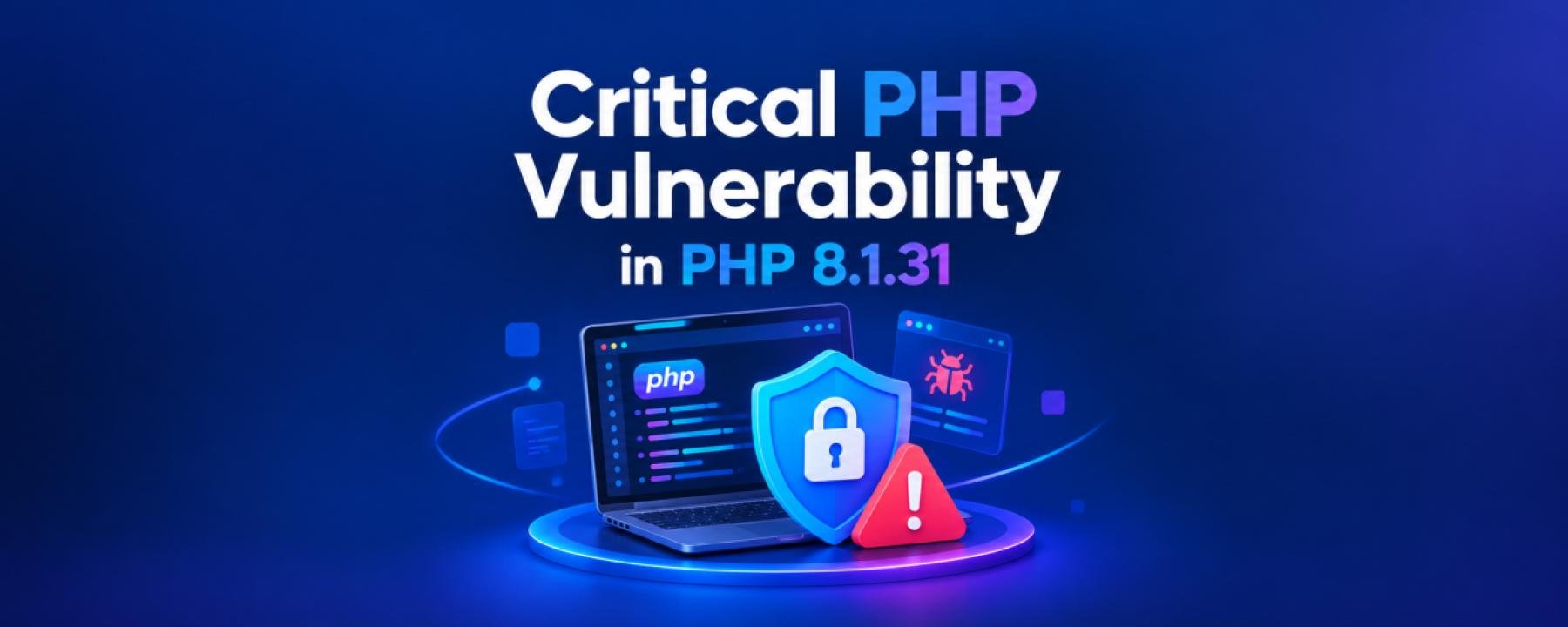
For example, PHP 8.1.31 was published as a security release. The PHP project subsequently published additional PHP 8.1 maintenance releases, including PHP 8.1.32. Always check the official release announcements and changelogs to identify the relevant fixes for your environment.
Official resources:
PHP release announcements: https://www.php.net/releases/
PHP supported versions: https://www.php.net/supported-versions.php
Important: PHP 8.1 has reached the end of its upstream security support period. For production systems, plan a migration to a currently supported PHP branch that is compatible with your application and dependencies.
How to Check Your PHP Version
You can check the PHP CLI version on your server by running:
php -vTo identify the PHP version used by your web server, check your hosting control panel or server configuration as well. The CLI version and the version serving web requests can differ.
For Laravel projects, you should also inspect the installed dependencies:
composer check-platform-reqs
composer audit
The first command checks whether your installed packages meet their platform requirements. The second checks dependencies against known security advisories.
Run these commands in your project environment and review any warnings before deploying changes.
How to Protect Your PHP and Laravel Applications
1. Upgrade to a Supported PHP Version
Choose a PHP version that receives security updates and is supported by your framework and required packages.
Before upgrading:
Review application compatibility.
Check Composer package requirements.
Test the application in staging.
Run automated tests.
Create a backup and prepare a rollback plan.
Avoid upgrading production without testing the change first.
2. Keep Composer Dependencies Updated
Third-party packages can introduce security risks even when the PHP runtime itself is patched.
Check your project regularly:
composer auditReview reported vulnerabilities and upgrade affected packages to compatible fixed versions. Do not blindly update every dependency in production without reviewing breaking changes.
3. Validate and Sanitize User Input
Treat data received from forms, APIs, cookies, query parameters, and uploaded files as untrusted.
In Laravel, use request validation:
$data = $request->validate([
    'name' => ['required', 'string', 'max:255'],
    'email' => ['required', 'email', 'max:255'],
]);
Use Eloquent or parameterized queries instead of concatenating untrusted values into SQL statements. Escape output appropriately for its context.
4. Secure Authentication and Authorization
Authentication confirms who a user is; authorization determines what that user can access.
For business applications, ensure that:
Sensitive routes require authentication.
Policies or gates protect restricted actions.
Tenant users can access only their permitted tenant data.
Administrative privileges are limited.
Password reset and session handling follow secure practices.
Multi-tenant applications require particular care because a missing tenant boundary can expose one customer's data to another.
5. Protect Environment Variables and Secrets
Never commit production credentials, API keys, database passwords, or application secrets to a public repository.
For Laravel deployments:
Keep the
.envfile private.Ensure debug mode is disabled in production.
Use secure secret storage where available.
Restrict access to backups and server files.
Rotate credentials if they may have been exposed.
6. Configure Production Error Handling
Detailed exception pages can reveal file paths, SQL details, configuration values, and other internal information.
For production deployments, use appropriate settings:
APP_ENV=production
APP_DEBUG=false
Store logs securely, restrict access to them, and avoid exposing sensitive data in error messages.
7. Use HTTPS and Secure Server Configuration
Use HTTPS for application traffic and configure your web server with appropriate security settings.
Also consider:
Restricting unnecessary network ports.
Applying operating system security updates.
Limiting file permissions.
Protecting database access.
Using rate limits for sensitive endpoints.
Monitoring unusual authentication and application activity.
What Should You Do If Your Server Is Vulnerable?
If an official advisory confirms that your PHP version or one of your dependencies is affected, follow a controlled response process:
Identify the affected PHP branch, package, or extension.
Review the advisory to understand severity and attack conditions.
Apply the recommended fixed version or mitigation.
Test the application and deploy the patch safely.
Review relevant logs for suspicious activity.
Rotate exposed credentials and investigate potential compromise if necessary.
Document the incident and verify the fix.
Simply upgrading PHP does not guarantee that an application is secure. Application code, dependencies, server configuration, and access controls must also be reviewed.
PHP Security Checklist
Use this checklist as part of your regular maintenance routine:
Run a supported PHP version.
Review official PHP security advisories.
Run
composer auditregularly.Validate all untrusted input.
Use parameterized database queries.
Enforce authentication and authorization.
Protect tenant boundaries and sensitive records.
Disable debug mode in production.
Secure environment variables and backups.
Maintain tested backups and a recovery plan.
Conclusion
PHP security is an ongoing responsibility, not a one-time task. Regular updates, dependency audits, secure coding practices, and proper server configuration help reduce the risk of common attacks.
If you maintain a Laravel application or a multi-tenant business platform, include security checks in your development and deployment workflows. Proactive maintenance can help protect your application, your customers, and their data.
Build and manage your business applications with security in mind. Explore TenantSaaS to learn more about modern business software and development practices.