Why TenantSaaS Uses Both Email and SMS
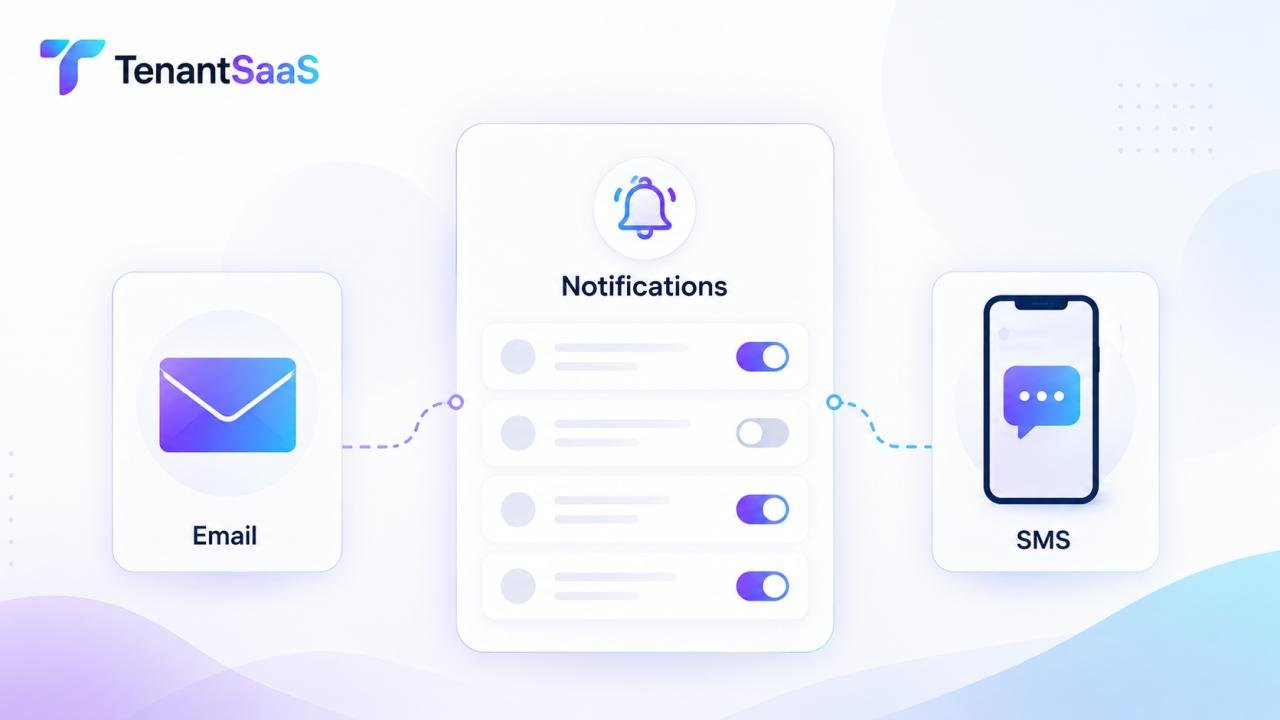
Different events call for different levels of urgency. A new task assignment can comfortably wait in an inbox, but a security alert or a time-sensitive invitation often needs to reach someone immediately. That's why TenantSaaS is built on a dual-channel notification system: email for detailed, trackable communication, and SMS for fast, can't-miss alerts.
Rather than forcing every tenant into the same notification setup, TenantSaaS lets each organization decide — event by event — which channel makes sense, and lets individual users fine-tune their own experience from there.
How the Notification System Works
When a tenant registers on TenantSaaS, a set of predefined notification types is automatically enabled with sensible defaults. Each notification type is tied to a specific event in the platform, and each one can independently be routed to email, SMS, in-app, or a combination of channels.
Here are the core predefined notification categories available to every tenant:
1. Project Event Notifications
Triggered whenever a project is created or updated. These keep team members aligned on scope changes, new projects being spun up, or key project milestones — typically delivered by email, with SMS available for high-priority projects.
2. Task Event Notifications
Sent when tasks are created, assigned, updated, or completed. Since tasks tend to be higher-frequency events, most tenants default these to email or in-app notifications to avoid overwhelming SMS inboxes, reserving SMS for overdue or urgent task alerts.
3. Tenant Invitation Notifications
When someone is invited to join a tenant (organization), an invitation notification is sent — usually by email, since it often includes a secure sign-up link. SMS can be added as a backup channel to increase the chances the invite is seen quickly.
4. Welcome Notifications for Invited Users
Once an invited user accepts and joins a company, a welcome notification confirms their new membership and typically includes onboarding information. This is almost always sent by email, since it often contains longer-form content like getting-started resources.
5. Authentication-Related Notifications
This covers events like password resets, login verification codes, and suspicious login alerts. Because these are time-sensitive and security-critical, SMS is commonly enabled alongside email — a one-time code sent by SMS is often faster and more reliable than waiting on an inbox.
6. Tenant Acceptance Notifications
Sent when a user accepts an invitation to join a tenant, notifying relevant admins or team members that the new member is now active. This is usually a lower-urgency, email-based or in-app notification.
7. And More
Beyond these core categories, TenantSaaS supports additional predefined notifications (such as billing events, role changes, and comment mentions), all of which follow the same customizable structure.
How Tenants Can Customize Their Notifications
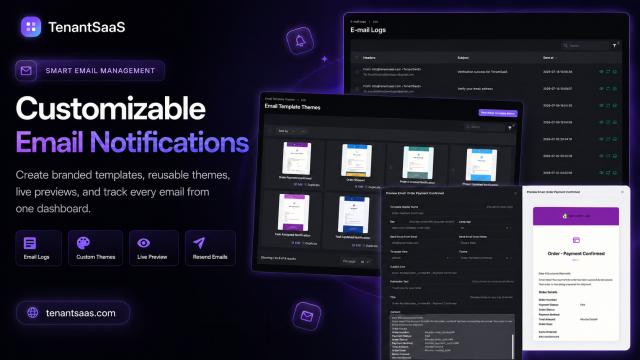
Every one of these predefined notification types can be adjusted from Settings > Notifications once a tenant registers. For each notification type, admins and users can typically configure:
Channel selection — turn email on/off, SMS on/off, or in-app only
Recipient scope — who receives it (e.g., all admins, the assigned user, a specific role)
Frequency controls — for high-volume events like task updates, batching notifications into a daily digest instead of individual alerts
Opt-outs — allowing individual users to mute non-critical categories (like task updates) while keeping critical ones (like auth alerts) mandatory
This structure gives organizations control at the tenant level, while still letting individual users personalize their own day-to-day experience.
Why Email and SMS Are Handled Differently
It's worth understanding why TenantSaaS doesn't just treat every notification the same way regardless of channel:
Email is well-suited for detailed content, links, attachments, and anything a user might need to reference later — project updates, welcome messages, and invitations all benefit from this.
SMS is best reserved for short, urgent, time-sensitive messages — authentication codes, security alerts, or invitations with tight deadlines — where speed matters more than detail.
Mixing the two intentionally, rather than defaulting everything to one channel, is what keeps TenantSaaS notifications useful instead of noisy.
Getting Started
If you're setting up notifications for your organization for the first time:
Review the predefined notification types under Settings > Notifications.
Confirm which events are mission-critical (authentication, invitations) and make sure SMS is enabled for those.
Set lower-priority events (project and task updates) to email or in-app only, with optional digest batching.
Let individual team members adjust their personal preferences within the boundaries your organization sets.
With this setup, every tenant on TenantSaaS can build a notification system that matches how their team actually works — fast where it needs to be fast, and quiet everywhere else.