Time Is the Real Currency for Small Businesses
Small business owners rarely lack ideas — they lack hours in the day. Between managing projects, coordinating employees, keeping products updated, and handling day-to-day admin, there's little time left for the strategic work that actually grows the business.
This is exactly the gap AI is starting to fill. Not by replacing people, but by absorbing the repetitive, time-consuming tasks that quietly eat up a business owner's week. And unlike the AI hype aimed at enterprises with dedicated data teams, today's AI tools are built to be usable by anyone — no technical background required.
Where Small Businesses Lose the Most Time
Before looking at solutions, it helps to name the problem. Most small businesses lose time in a few predictable places:
Manually creating and updating projects or tasks
Onboarding new employees or managing user access one by one
Producing visual content (product images, marketing assets) without an in-house designer
Turning written content into audio or other formats for different platforms
Digging through settings menus to configure basic account or tenant preferences
Individually, none of these tasks take long. But added up across a week, they can easily consume 10+ hours that could otherwise go toward sales, customer relationships, or growth.
How an AI Assistant Changes the Equation
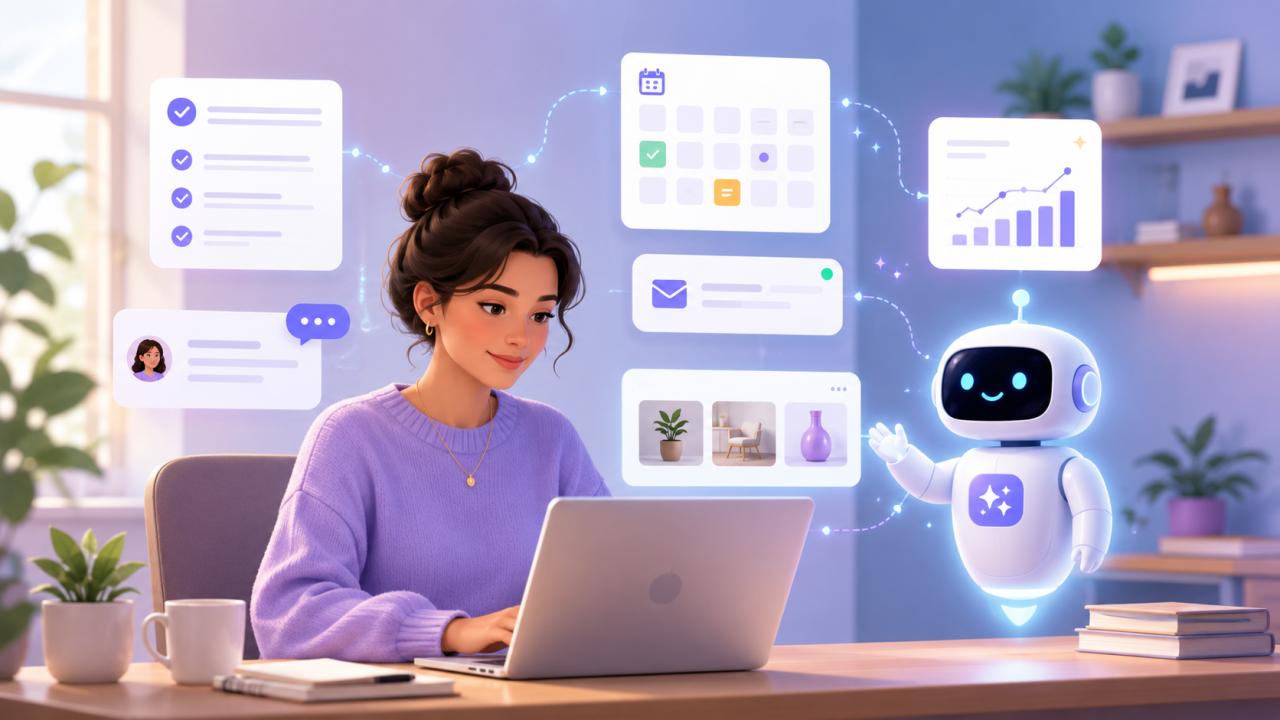
This is where a built-in AI assistant makes a real difference — not as a chatbot that answers questions, but as an agent that can actually perform tasks inside your business tools.
TenantSaaS includes exactly this kind of AI Assistant directly inside the platform, designed to take over the operational tasks that typically eat up a small business owner's time.
Here's what it can currently handle:
Managing Projects
Instead of manually creating, updating, or organizing projects, you can simply tell the AI Assistant what you need — "create a new project for the Q3 marketing campaign" — and it sets it up, complete with the right structure, directly inside TenantSaaS.
Managing Products
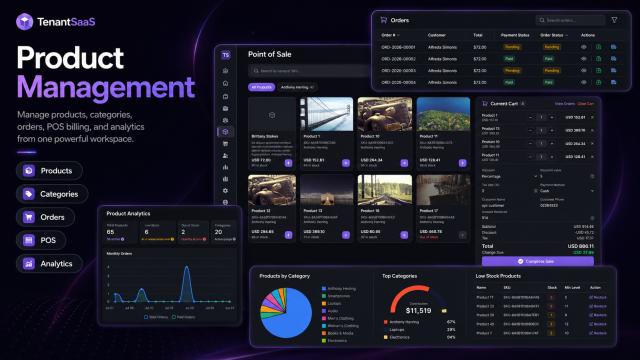
Adding new products, updating details, or reorganizing your product catalog can be handled conversationally instead of clicking through forms one at a time.
Managing Users and Employees
From adding new employees to adjusting roles and permissions, the AI Assistant can manage user accounts on your behalf — useful for growing teams that are onboarding or restructuring frequently.
Generating Images for Your Business Assets
Need a product image, a banner, or visual assets for your TenantSaaS account? The AI Assistant can generate images directly, removing the need to hire a designer or use a separate tool for quick visual needs.
Text-to-Audio Conversion
Written content — announcements, product descriptions, updates — can be converted into audio on demand, useful for accessibility, voice notifications, or repurposing content into different formats.
Managing Tenant Settings
Rather than navigating through multiple settings screens, you can ask the AI Assistant to adjust tenant-level configurations directly, saving time on routine administrative changes.
And More
The AI Assistant continues to expand in capability, covering additional operational tasks across the TenantSaaS platform as they're added.
Why This Matters More for Small Businesses Than Enterprises
Large companies often have dedicated staff for each of these functions — a designer for images, an HR person for user management, an ops team for project setup. Small businesses usually don't. One person, or a small handful of people, ends up doing all of it.
An AI Assistant built directly into your business software effectively gives a small team access to capabilities that would otherwise require multiple hires or multiple separate tools — without the overhead of managing any of them.
Practical Ways to Start Using AI to Save Time
If you're new to using AI operationally rather than just for writing or brainstorming, start small:
Delegate one recurring task first. Pick something you do weekly — like creating a new project or updating a product listing — and let the AI Assistant handle it for a few cycles.
Use it for content you'd otherwise skip. If you've been meaning to create audio versions of updates or generate visual assets but haven't had time, this is a low-risk way to finally get it done.
Let it handle routine admin. Tenant settings and basic user management are exactly the kind of low-judgment, repetitive tasks AI handles well, freeing you to focus on decisions that actually need a human.
Expand gradually. As you get comfortable, layer in more tasks — project management, employee onboarding — rather than trying to hand everything over at once.
Final Thoughts
AI doesn't need to be complicated or enterprise-scale to be useful. For small businesses, the biggest win isn't automation for its own sake — it's getting hours back in the week by handing off the operational tasks that don't require a human's full attention.
With an AI Assistant built directly into TenantSaaS — one that can manage projects, products, users, generate images, convert text to audio, and handle tenant settings — small businesses get a practical way to save time without adding headcount or new tools to manage.