Assigned follow-up tasks
Create tasks with a title, description, priority, assignee, and an optional link to the lead, contact, account, or deal they concern.
CRM Feature
Create follow-up tasks against leads, contacts, accounts, and deals with priorities, due dates, and reminder times — and let scheduled notifications warn assignees before work is due and when it slips overdue.
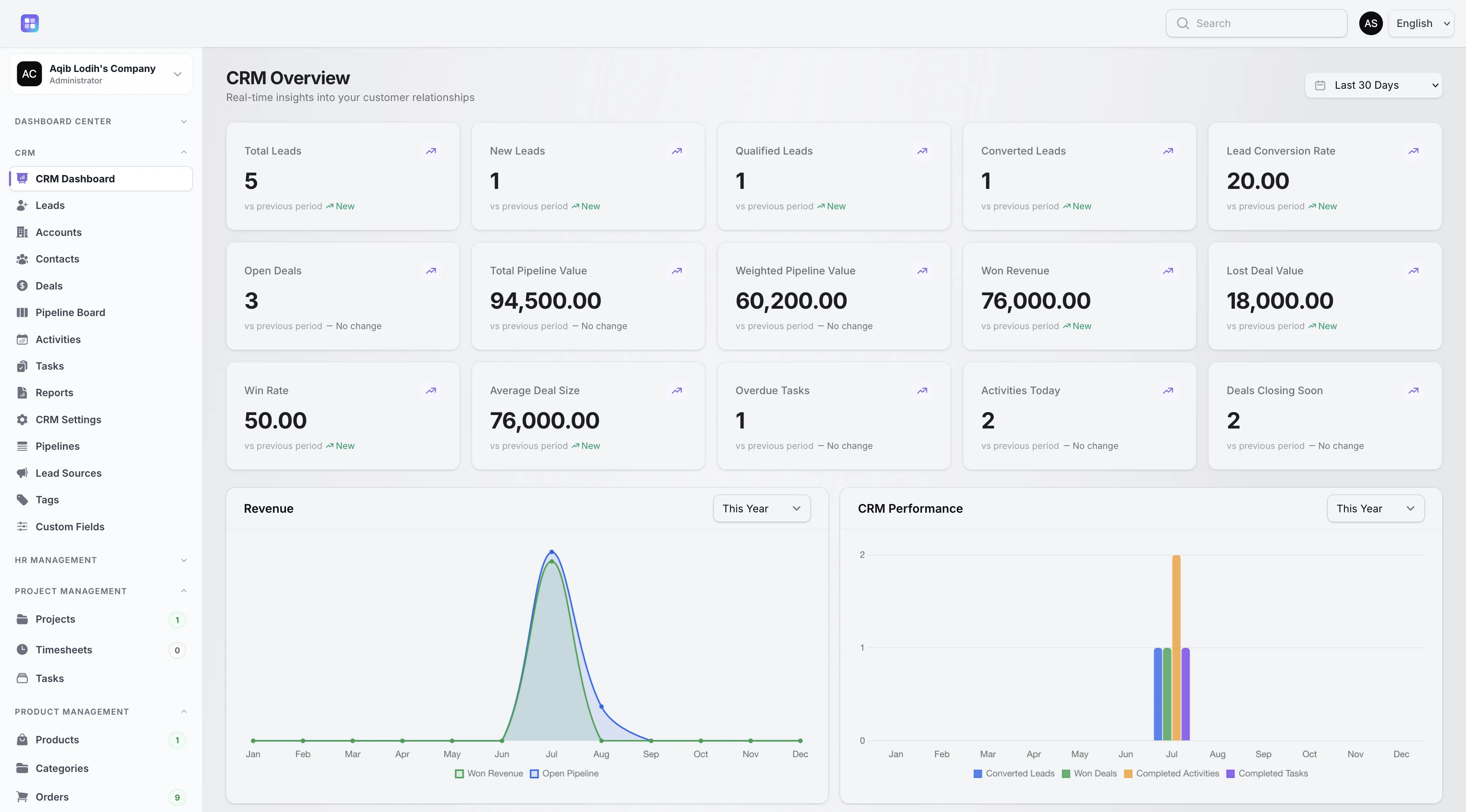
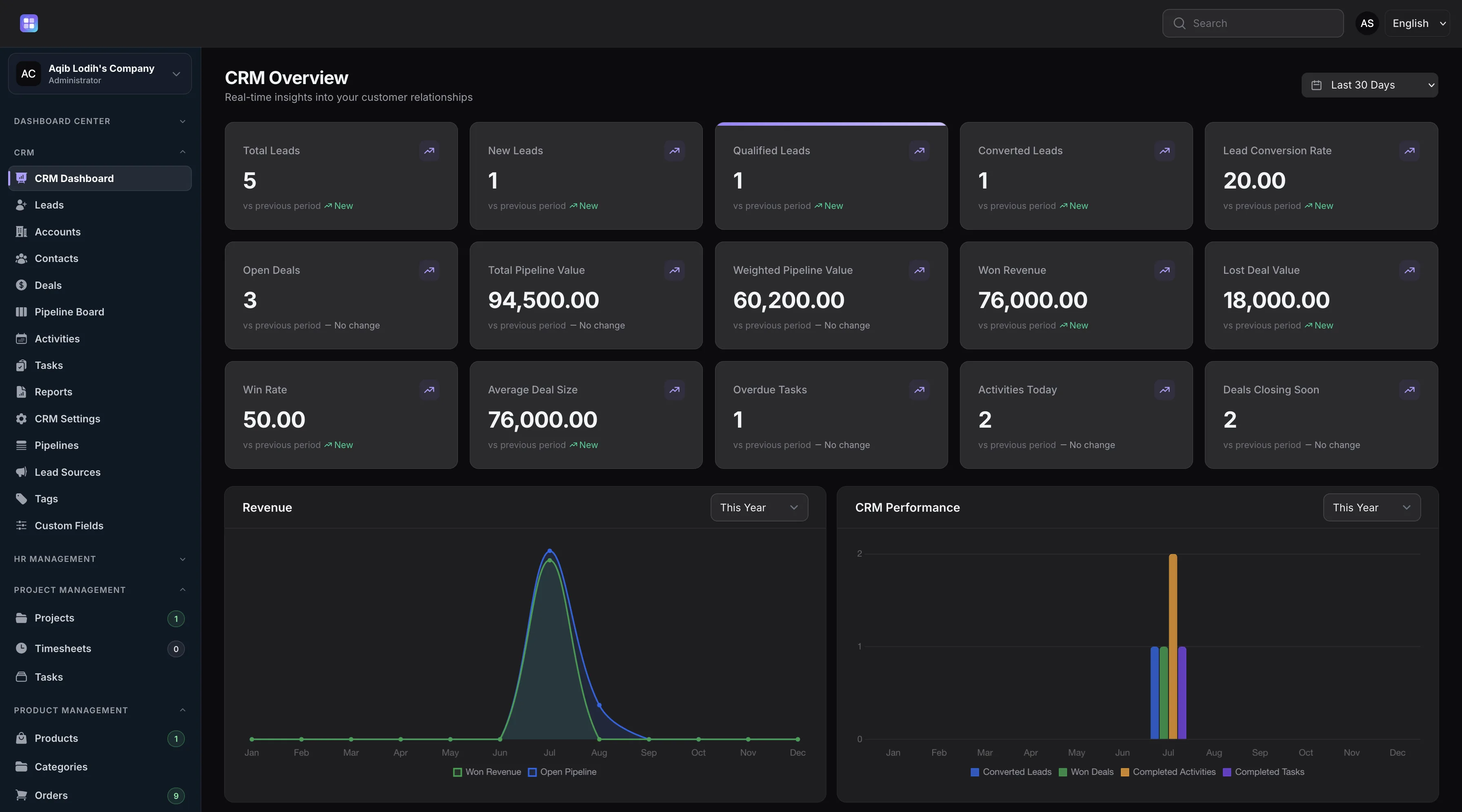
The dashboard surfaces the most urgent open tasks and counts overdue tasks across the workspace.
Overview
CRM tasks in TenantSaaS carry a title, description, a Pending, In Progress, Completed, or Cancelled status, a Low to Urgent priority, an assignee, an optional related record, a due date, and a separate reminder time. Tasks can be shared with the team or marked private.
A scheduled reminder job runs every five minutes: when a task’s reminder time arrives, the assignee is notified once, and when a task passes its due date, a one-time overdue notification follows. Overdue tasks show their due date in red, have their own filter, and are counted on the CRM dashboard.
Capabilities
Every capability below reflects functionality implemented in the TenantSaaS CRM module.
Create tasks with a title, description, priority, assignee, and an optional link to the lead, contact, account, or deal they concern.
Set a due date and a separate reminder time; assignees are notified before work is due.
A scheduled job checks every five minutes and notifies assignees about due-soon and overdue tasks.
Mark tasks private for personal follow-ups, or keep them shared so the team can see the workload.
Complete tasks straight from the table; completion feeds dashboard metrics immediately.
“My tasks”, “overdue”, and “due today” filters turn the task list into a personal daily queue.
Record Management
How It Works
This flow follows the statuses, actions, and events implemented in the CRM module.
Add the follow-up with its priority, assignee, related record, due date, and reminder time.
The task appears in the assignee’s “my tasks” filter and in the dashboard’s priority list when urgency demands it.
The reminder job runs every five minutes and notifies the assignee once the task’s reminder time arrives.
Tasks past their due date are flagged red, filtered separately, counted on the dashboard, and trigger a one-time overdue notification.
The Complete action closes the task and updates CRM dashboard metrics right away.
Dashboard & Analytics
These metrics and reports are part of the implemented CRM dashboard and reports pages.
See the full picture on the CRM Dashboard and CRM Reports pages.
Metrics and charts from the implemented CRM dashboard.
Access Control
Tasks follow assignment-based visibility. Workspace owners, CRM managers, and team admins see all tasks; other users see tasks assigned to them or created by them.
FAQ
Answers reflect the CRM implementation that ships with TenantSaaS.
Tasks carry a due date and a reminder time. A scheduled job runs every five minutes, notifies the assignee when the reminder time arrives, and sends a separate one-time notification when a task goes overdue.
Yes. Tasks can relate to a lead, contact, account, or deal, and can be created directly from those records.
Statuses are Pending, In Progress, Completed, and Cancelled. Priorities are Low, Normal, High, and Urgent.
The “my tasks” filter shows tasks assigned to you, alongside “overdue” and “due today” filters for daily planning.
Yes. Tasks can be marked private, keeping them limited to the people connected to the task rather than the whole team.
The due date shows in red, the task appears in the overdue filter and dashboard count, and the assignee receives a one-time overdue notification.
Start a free TenantSaaS workspace and manage tasks alongside the rest of the CRM module.