Complete company profiles
Record industry, website, email, phones, tax number, employee count, and annual revenue with currency on every account.
CRM Feature
Keep every customer company in one accountable record — industry, size, revenue, tax details, billing and shipping addresses, an owner on your team, and the contacts, deals, activities, and notes connected to it.
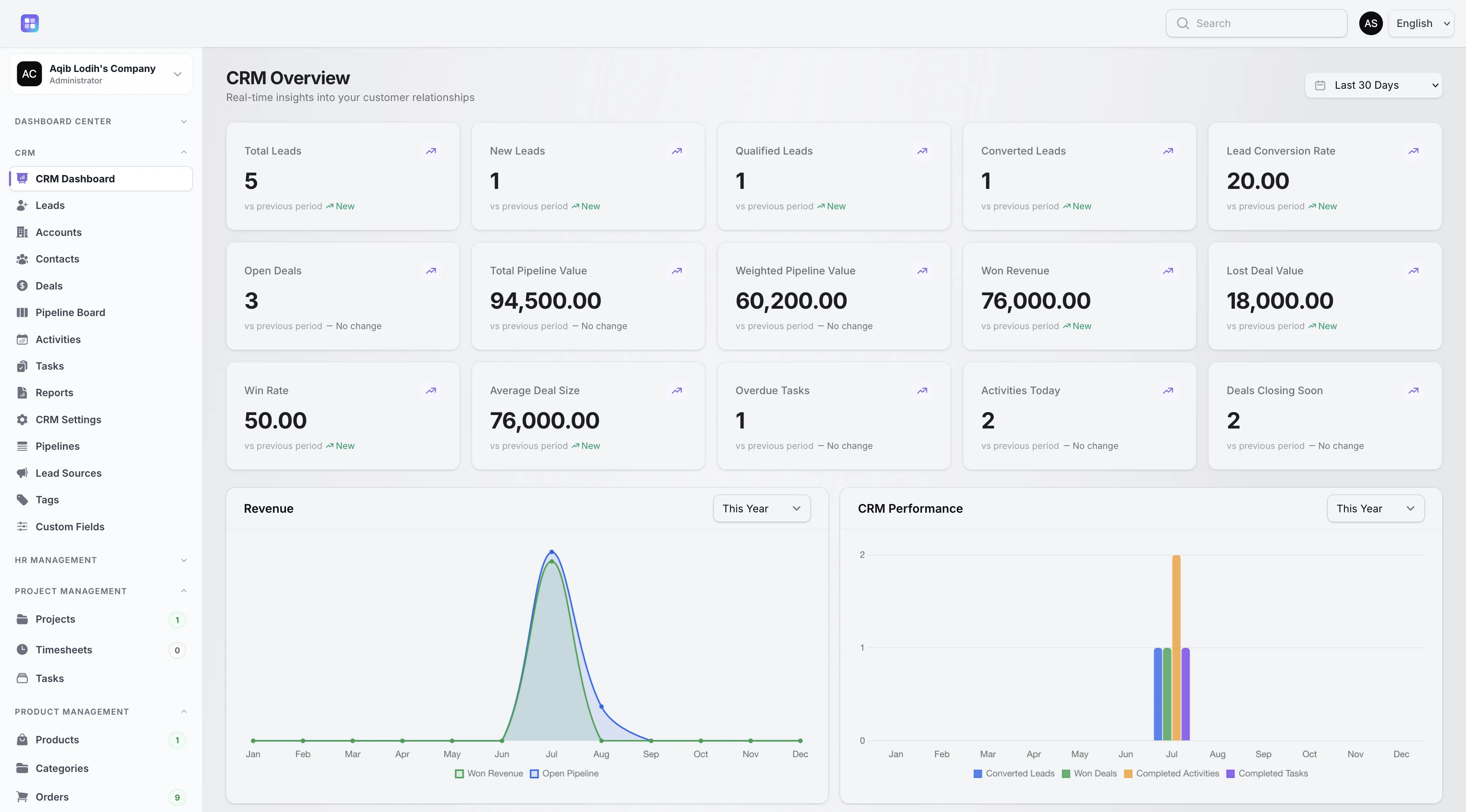
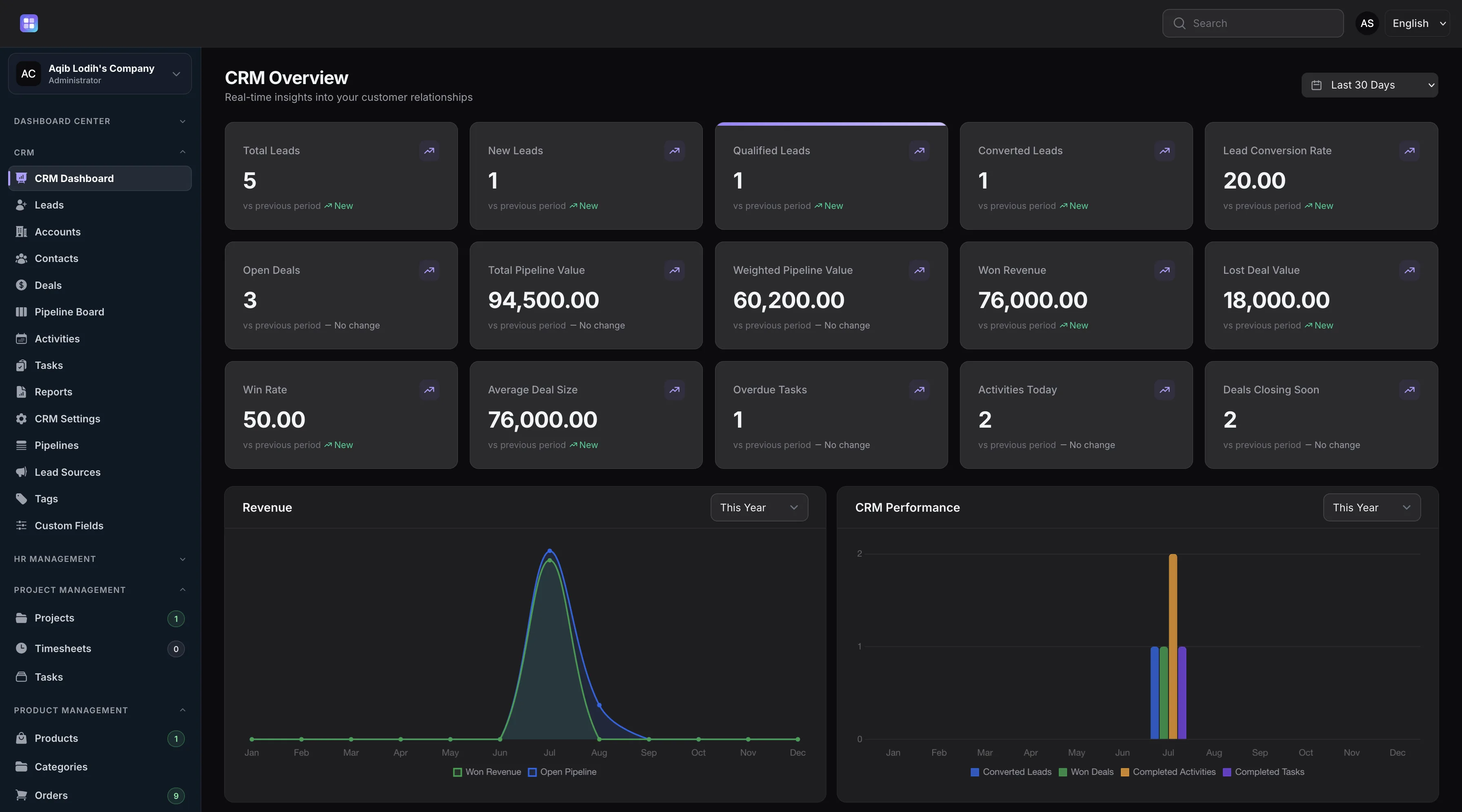
Won revenue and pipeline metrics on the dashboard roll up from deals attached to company accounts.
Overview
Account records in TenantSaaS CRM describe the organizations you sell to: company name, industry, website, email, primary and secondary phone numbers, tax number, employee count, annual revenue with currency, and separate billing and shipping addresses. Each account gets an automatic reference code and an owner from your workspace.
Accounts progress through Prospect, Active, Inactive, and Former statuses, so the same record tells you whether a company is a target, a customer, or a past relationship. Completed activities update the account’s last-contacted date automatically.
Capabilities
Every capability below reflects functionality implemented in the TenantSaaS CRM module.
Record industry, website, email, phones, tax number, employee count, and annual revenue with currency on every account.
Track each company as Prospect, Active, Inactive, or Former — the record reflects the real state of the relationship.
Store separate billing and shipping addresses in dedicated, collapsible form sections.
Assign each account to a workspace member so every company relationship has a responsible owner.
See the contacts who work at the company and log activities, tasks, and notes directly on the account.
Accounts receive generated codes with a prefix you configure in CRM settings, making them easy to reference and search.
Record Management
How It Works
This flow follows the statuses, actions, and events implemented in the CRM module.
Add company accounts directly, or let lead conversion create one from the lead’s company name, website, and contact details.
New and converted accounts begin as prospects with an owner responsible for developing the relationship.
Link contacts to the account and open deals against it, so the company record shows the whole relationship.
Log meetings, calls, and follow-ups on the account; completed activities stamp its last-contacted date.
Move the account to Active when it becomes a customer, or Inactive/Former as the relationship changes.
Dashboard & Analytics
These metrics and reports are part of the implemented CRM dashboard and reports pages.
See the full picture on the CRM Dashboard and CRM Reports pages.
Metrics and charts from the implemented CRM dashboard.
Access Control
Accounts use owner-based visibility. Workspace owners, CRM managers, and team admins see every account; other users see accounts they own or created.
FAQ
Answers reflect the CRM implementation that ships with TenantSaaS.
Name, industry, website, email, primary and secondary phones, tax number, employee count, annual revenue with currency, a description, and separate billing and shipping addresses.
Accounts move through Prospect, Active, Inactive, and Former statuses. New accounts default to Prospect.
Contacts can belong to an account, and deals reference an account, so a company record connects to both its people and its revenue.
Yes. Converting a lead with a company name creates a new prospect account — or reuses an existing one — and carries over the website, email, and phone.
Completing a related CRM activity updates the account’s last-contacted date automatically.
Workspace owners, CRM managers, and team admins see all accounts. Other users see accounts they own or created, unless broader sales visibility is enabled in workspace settings.
Start a free TenantSaaS workspace and manage accounts alongside the rest of the CRM module.